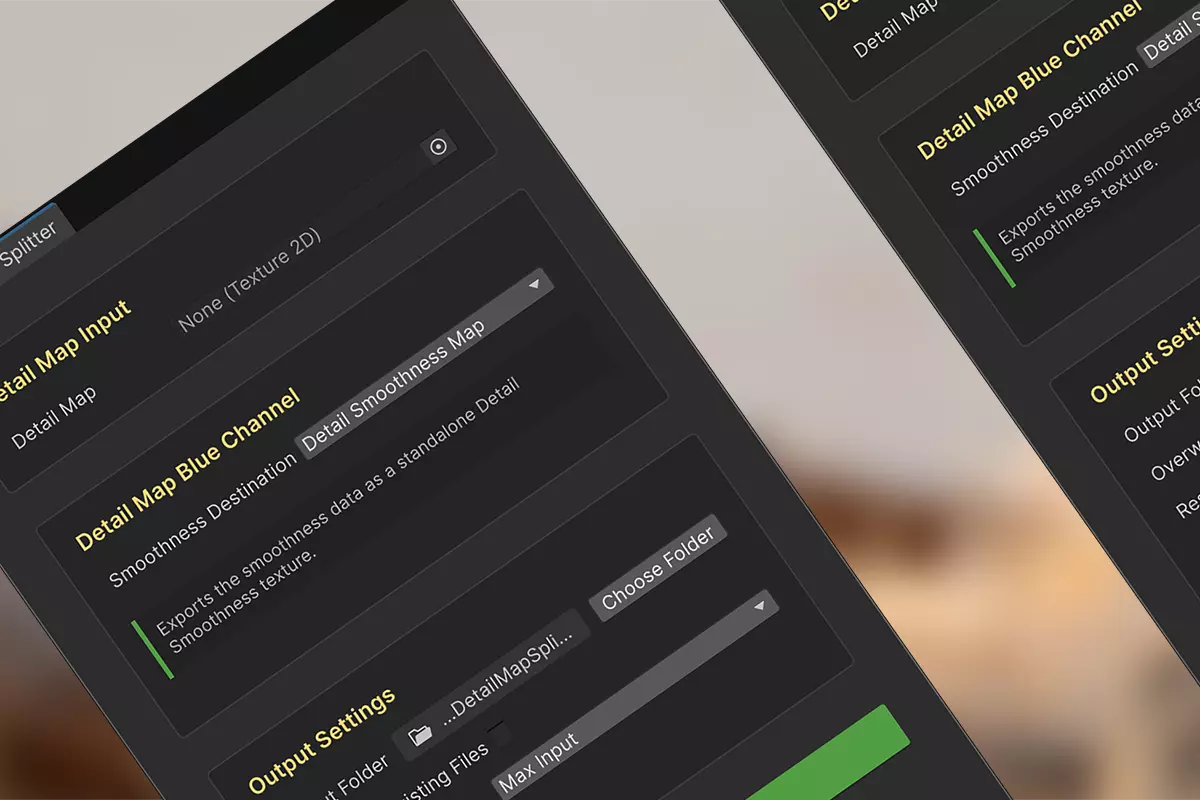
The HDRP Detail Map Splitter solves the challenge of reusing packed HDRP Detail Map. By deconstructing them back into their original, separate textures, you can easily repurpose these assets or use them across different rendering pipelines.
Overview
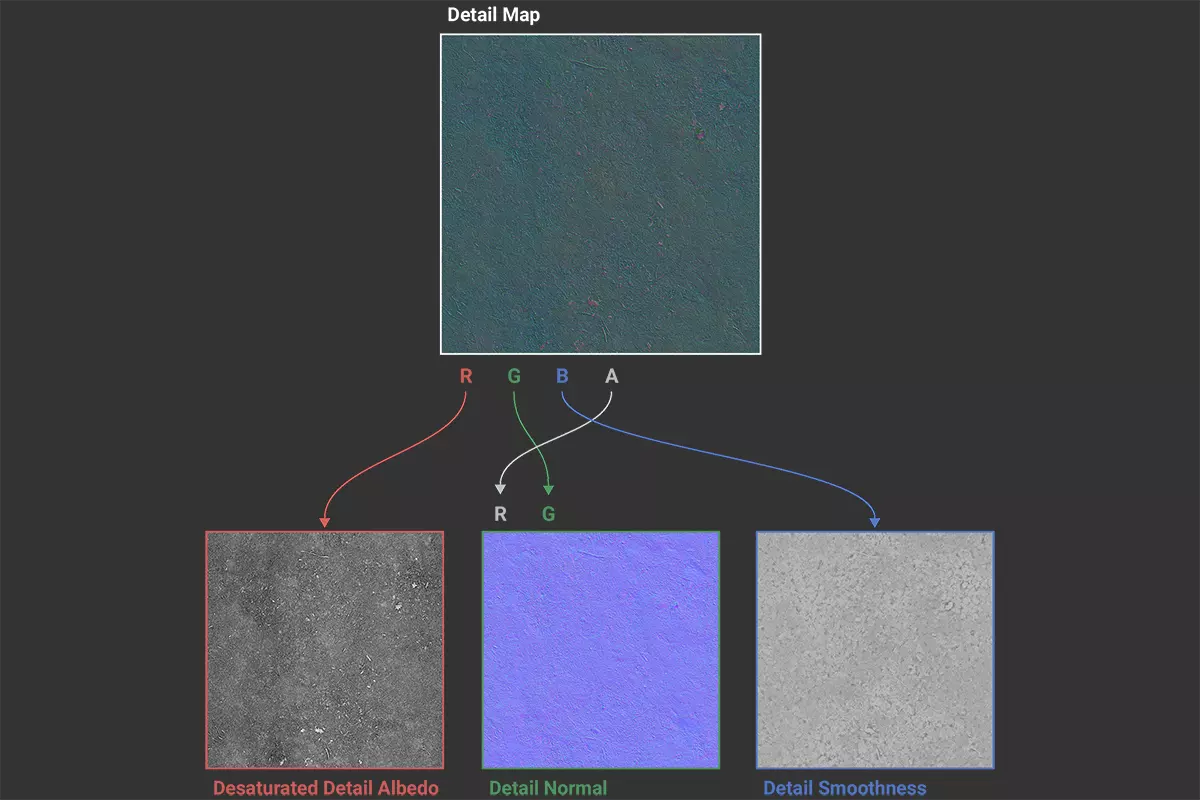
The HDRP Detail Map Splitter extends the Unity Editor by providing a visual interface that separates HDRP-compliant Detail Map textures into multiple independent PBR textures (such as Desaturated Detail Albedo, Detail Normal, and Detail Smoothness), allowing for easy replacement or modification of specific textures. The separation process is shown in the following figure (PBR texture: Ground 037, sourced from ambientcg.com):
Key Features
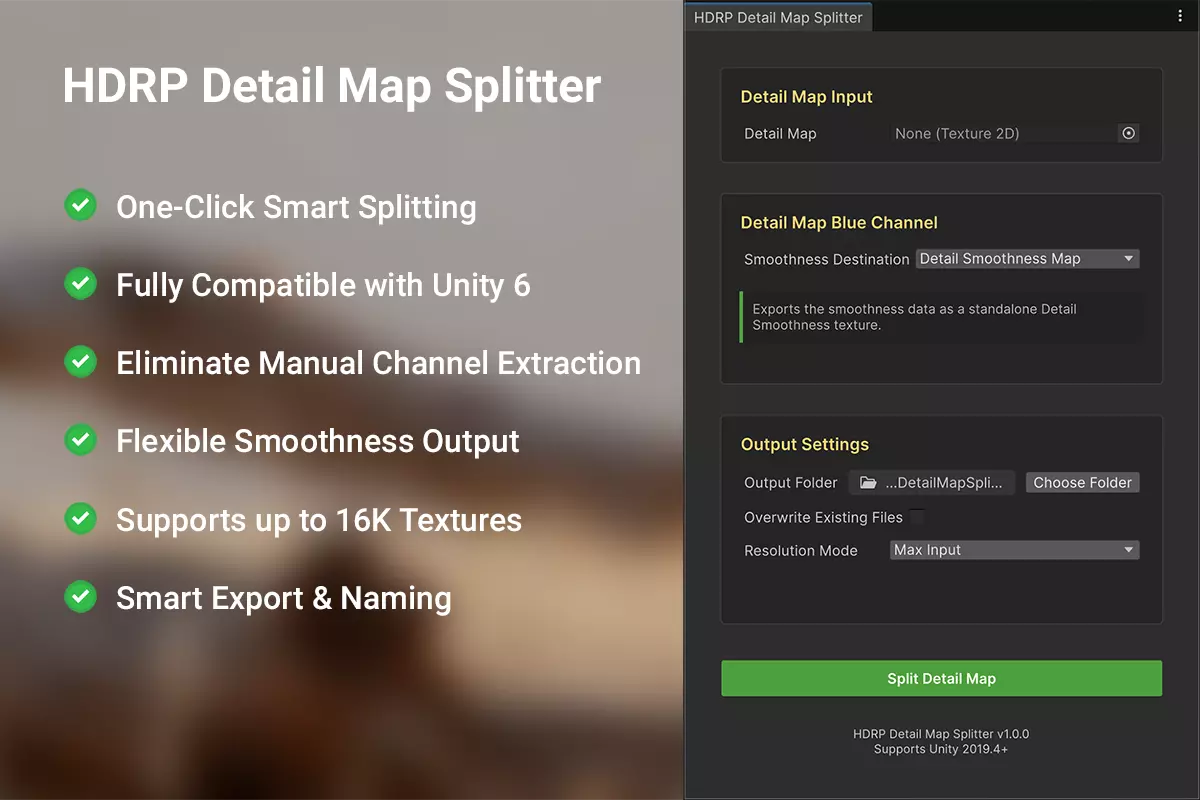
Automate your workflow. One click intelligently unpacks your textures, freeing up time for creativity. Natively built for Unity 6—seamless performance, zero compatibility hurdles. Ditch tedious image editing software work. Our precision automation delivers pixel-perfect extraction, eliminating errors for good. Retain full artistic control. Output smoothness as a standalone map to fit your pipeline. Built for high-end projects. Seamlessly process 16K textures with confidence—fully supported on both Windows and macOS. Stay organized effortlessly. Auto-generate clean, logical filenames for seamless asset management.
Important Note
The tool outputs the desaturated (grayscale) Detail Albedo, extracted from the Red channel. This is the correct and expected result, as the original color data is not stored in the HDRP-standard packed Detail Map.
Technical Specifications and Compatibility
Supported Unity Versions: 2019.4 LTS and newer (including Unity 6).
Render Pipeline: Designed for HDRP, outputs compatible with all.
Texture Resolution Support: 32 to 16K (Windows & macOS).
Input Formats: PNG, TGA, and EXR (JPG is not recommended).
Output Format: PNG.
Operational Process
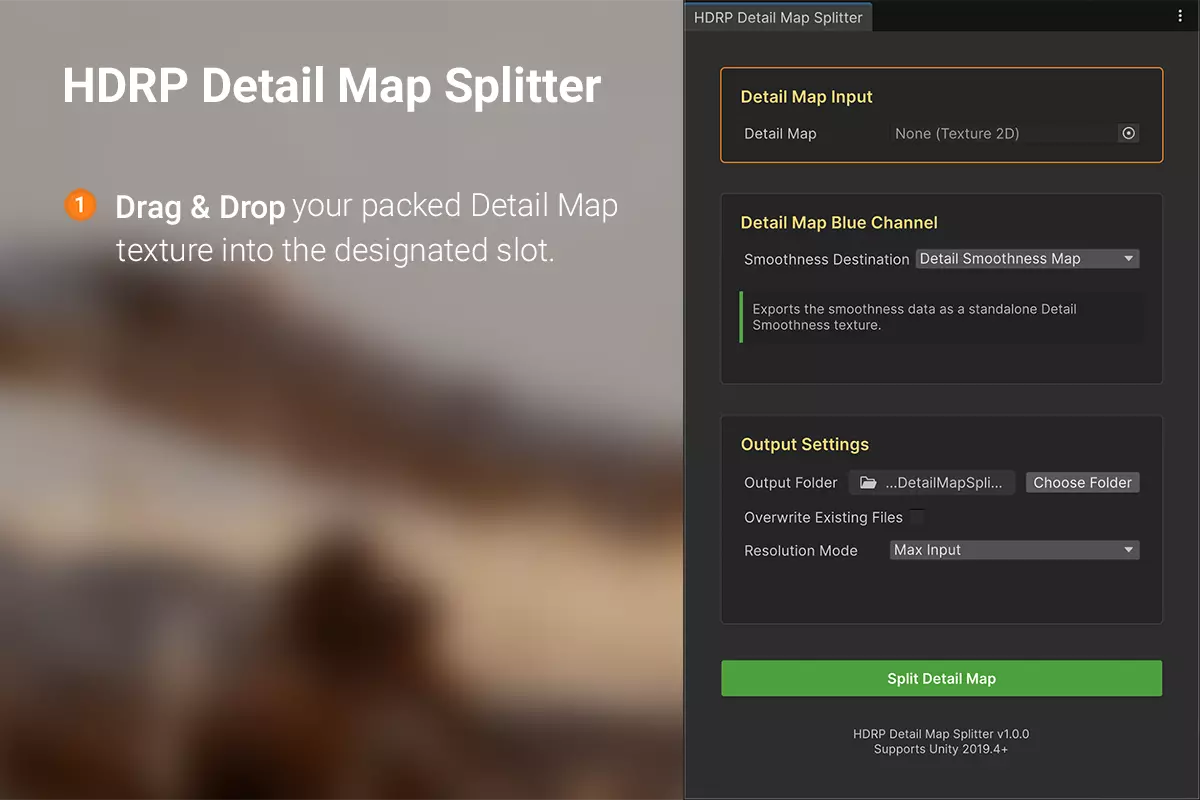
Step 1: Assign Your Detail Map
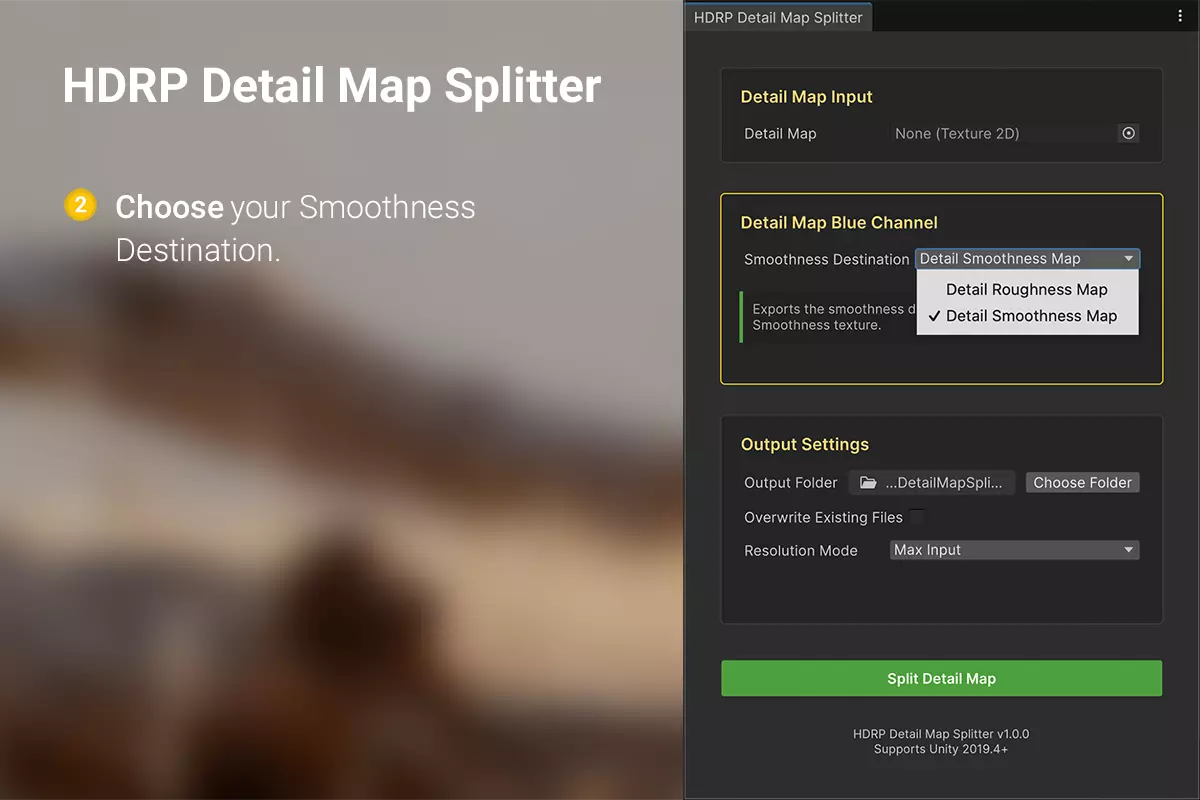
Step 2: Set the Smoothness Destination
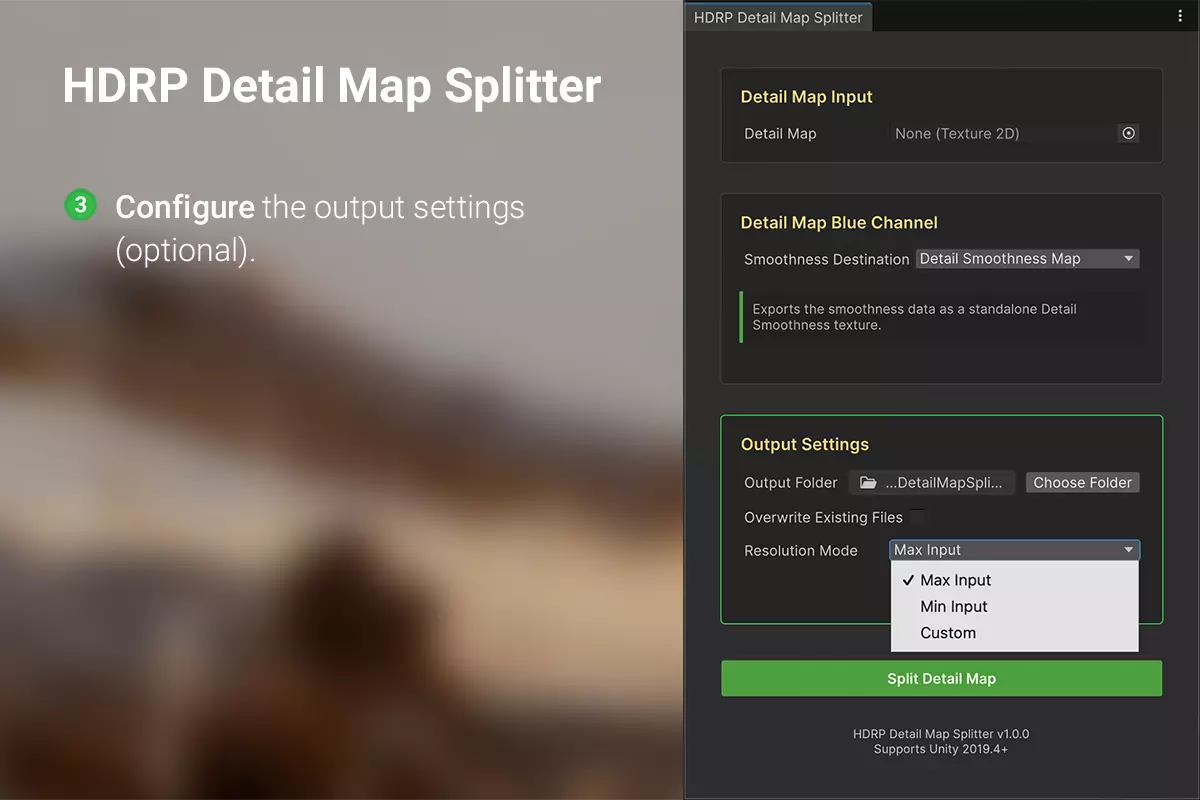
Step 3: Adjust Output Settings
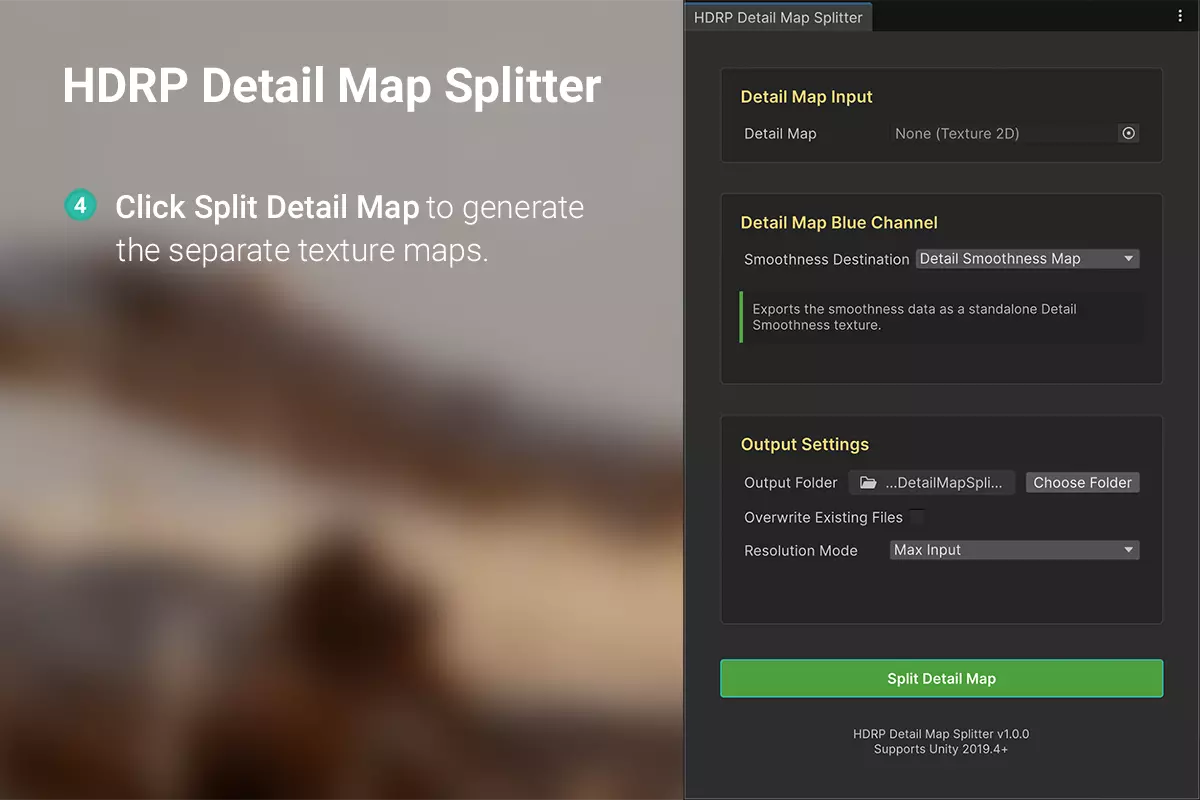
Step 4: Split the Detail Map
Performance & Quality Assurance
The HDRP Detail Map Splitter has been rigorously tested. It produces textures that are visually lossless compared to manual creation methods.
As a pure editor tool, it guarantees zero runtime overhead and is to be used exclusively for asset production.
Looking Ahead
Continuously incorporating community feedback to refine the tool.
Exploring next-generation algorithms for improved results.
Skip the Grind, Instantly
A proven editor tool that delivers professional quality, priced for effortless adoption.
You can download the latest version directly from the Asset Store right now.